
Sign in
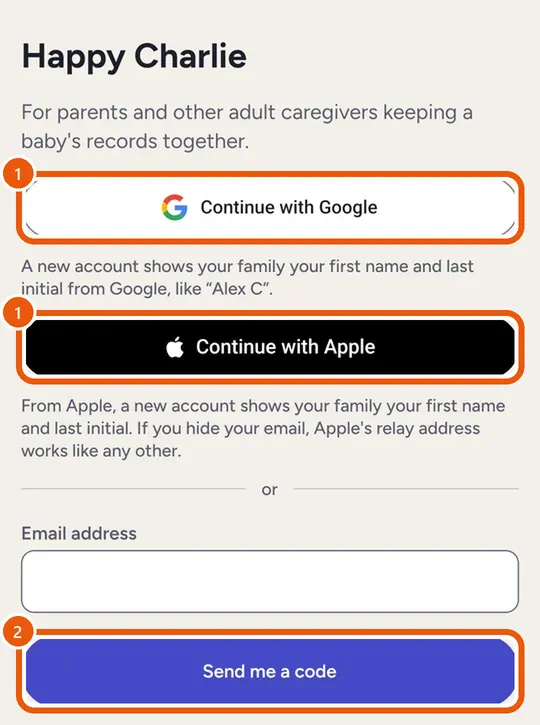
Happy Charlie has no password to create or forget. You sign in with Google on Android and the web, with Apple on iPhone, Android and the web, or with a one-time code sent to your email.
No password needed.
- Tap Continue with Google or Continue with Apple.
- Or type your email and tap Send me a code.
- Enter the 6-digit code.
Code didn't arrive?
- Check your spam folder.
- Ask for a new code. Each one works once.