
Features
What you can log and see
Log feeds, sleep, diapers, and so much more in just a few taps or a simple dictation. Show only the activities you track.
Track every activity
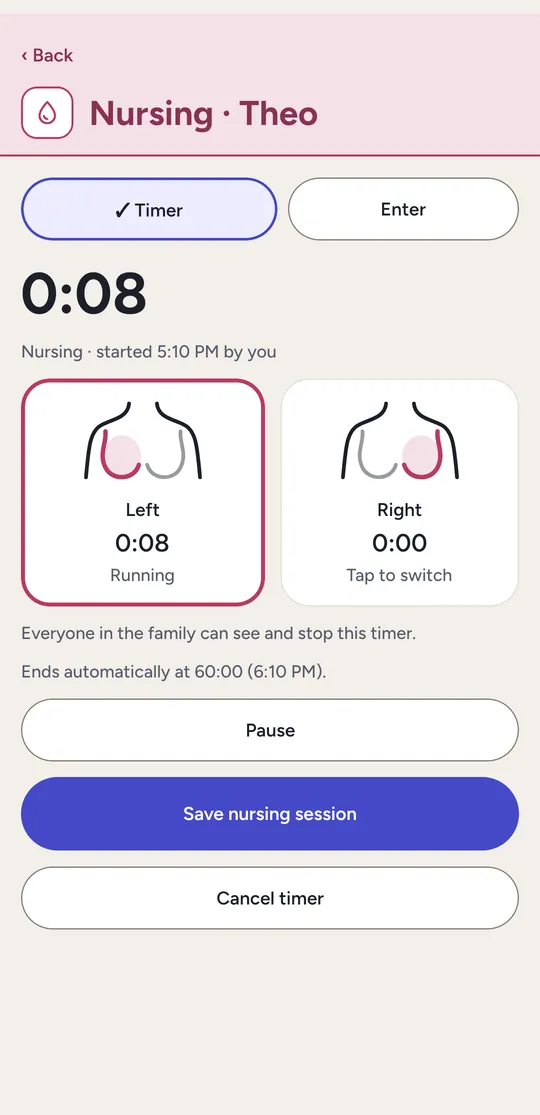
Breastfeeding
- Left and right timers
- Which side was last
- Start on one phone, stop on another
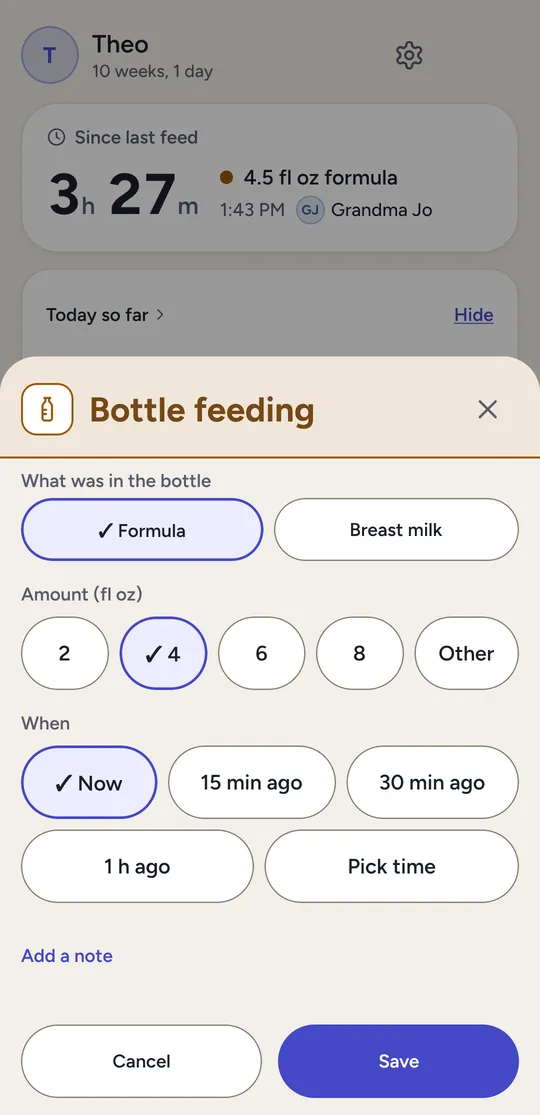
Bottle
- Breast milk or formula
- Fluid ounces or milliliters
- Record timing of feeds and who fed your baby
Pumping
- Amount and duration
- Timer or past entry
- Left, right, or both sides, with an amount for each
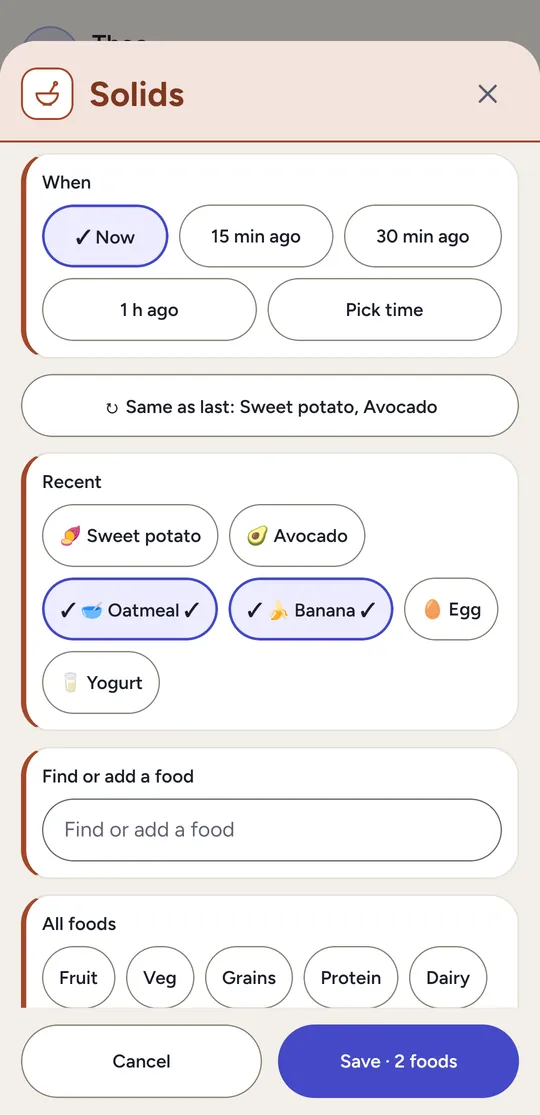
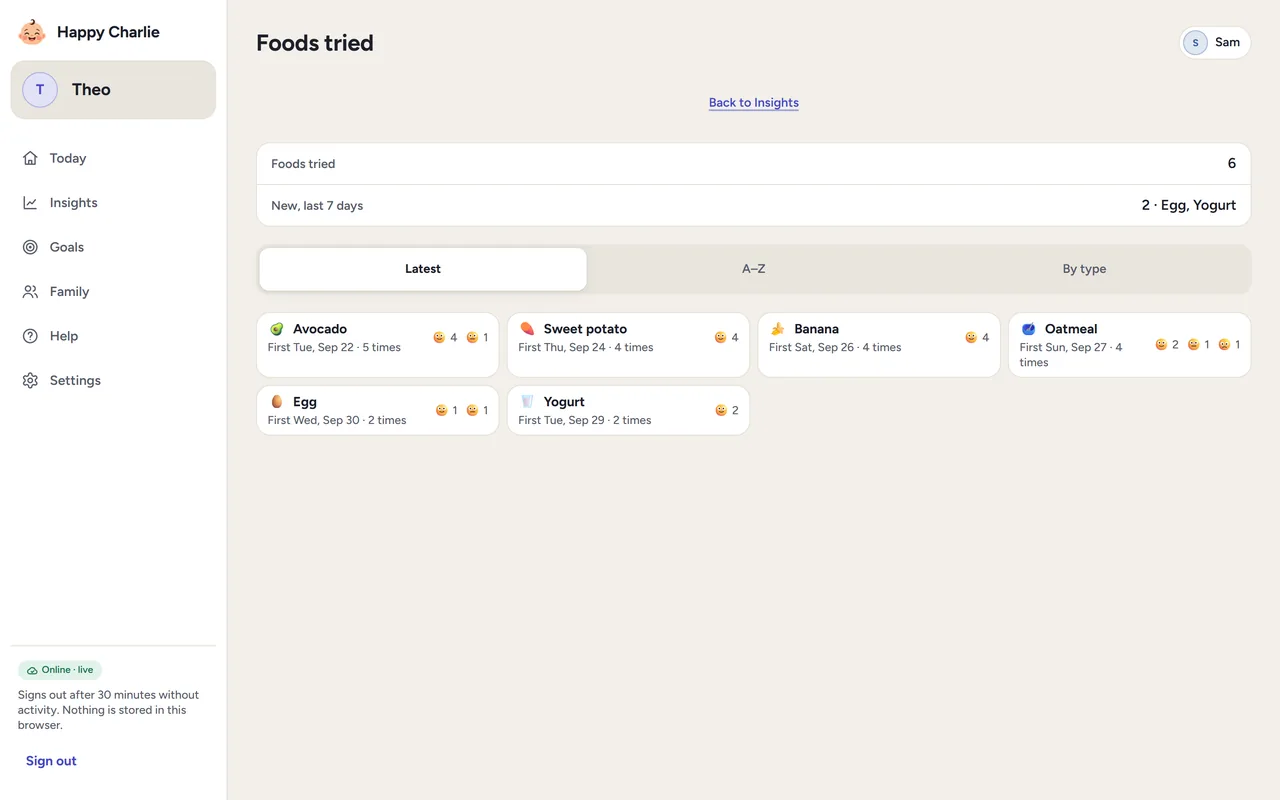
Solid foods
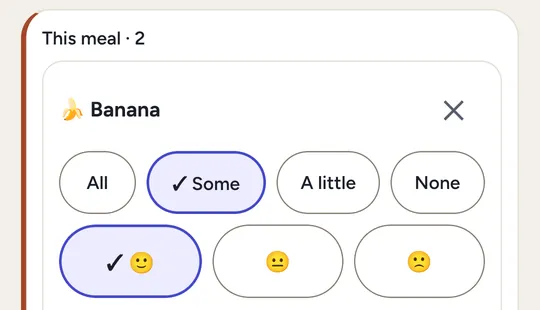
- One or more foods per meal
- How much, and how it went
- Every food tried, and when
Sleep
- Naps and night sleep
- A shared timer
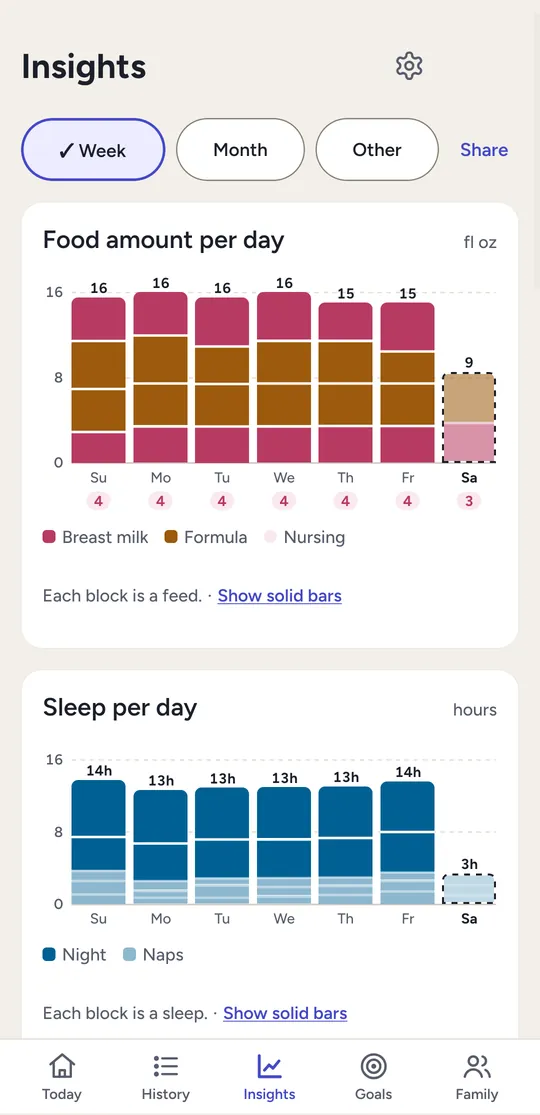
- Day and night totals
Diapers
- Wet, dirty, or both
- Optional color and consistency, in words
- Who logged each change
Temperature
- Record your baby's temperature and how you measured it
Medication
- Each medicine: its name, the dose, and when you gave it
- Prior medications are saved so you never have to enter them twice
Health notes
- Notes to bring to the next pediatrician visit or share with the family
Growth
- Weight, height, and head size
- Any or all of them, in one entry
- A history of your entries
Tummy time
- A timer or a quick entry
- Time per day
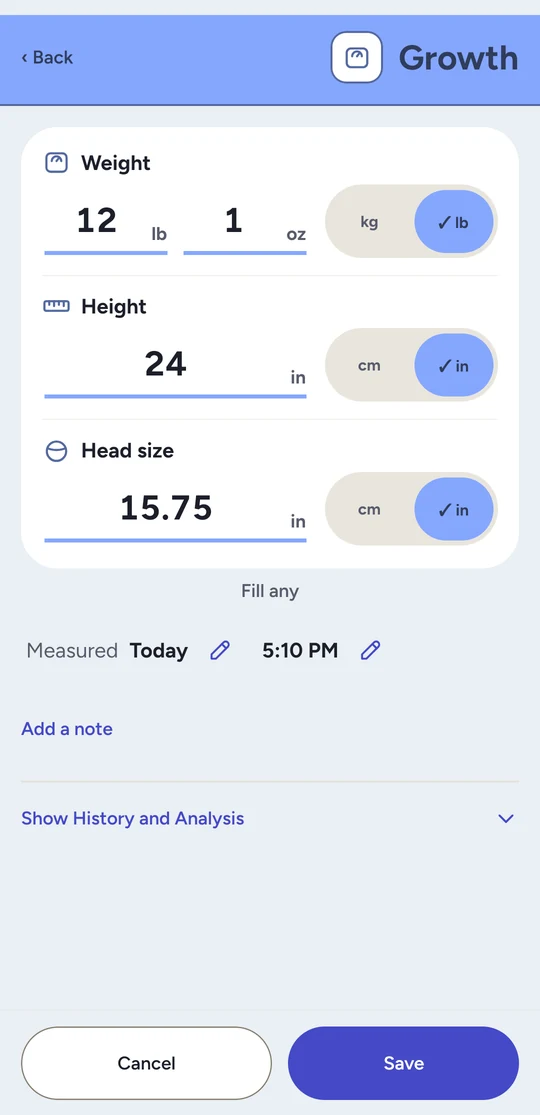
Growth
Weight, height, and head size
Log one, two, or all three in a single entry, each in the units you like.
Solid foods
Off until you turn it on for your baby. Then a meal takes a few taps.
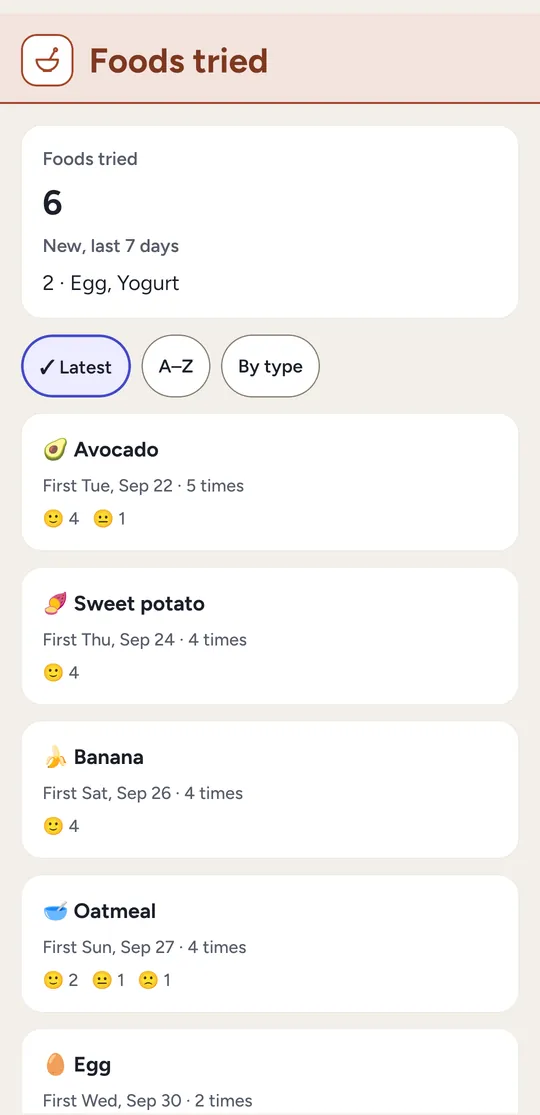
Your family's own foods
Anyone can add a food that's missing from the list, with a picture. Every caregiver in the family can use it.
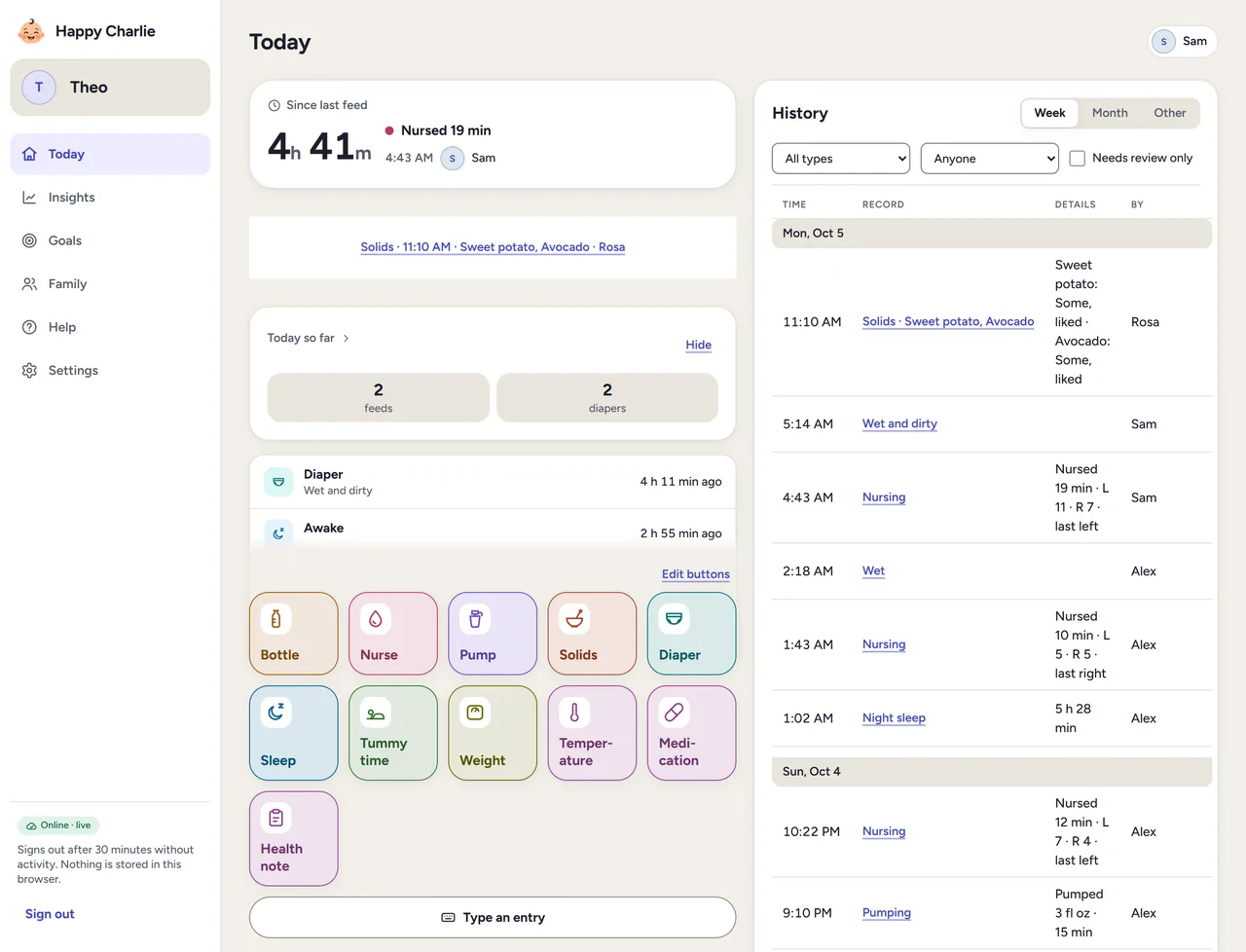
On the web too
All the app functionality in any browser, with the comfort of a larger screen.
Built around the record
Works offline
The phone app saves every entry right away and syncs when it's back online.
Shared timers
Start a feed or a nap on one phone; anyone can stop it on another.
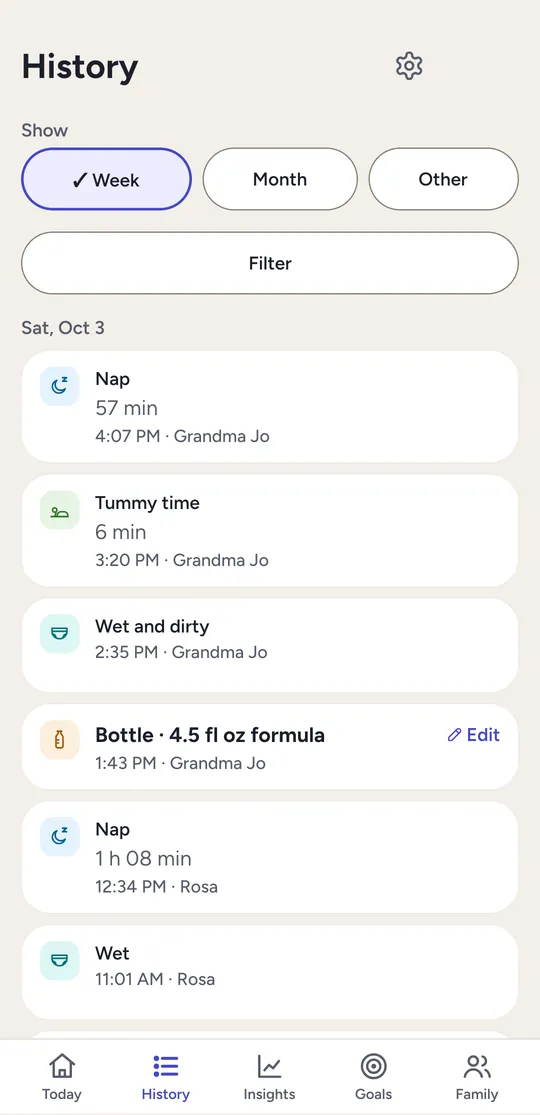
Full history
Every entry, including who logged it and who changed it. No paid cutoff.
Totals and trends
Today so far, plus 7- and 30-day views. A day with no entries shows as missing, not zero.
Reminders
Set your own reminders on your phone.
Made for night
Dark mode, large controls, and labels for screen readers. Siri voice capability.
Google or Apple sign-in
No new password. Apple on iPhone, Android, and the web; Google on Android and the web; or an email code.
A summary to share
Save what Insights shows as a PDF.
Twins and siblings
Several children in one family. Switch with a tap.
More: sharing with family · one-sentence logging · milestones · import from another app · your data