
Switch apps
Bring your history with you
Export from your old app. Import into Happy Charlie. See what comes in before you save.
Apps we can read
Nara Baby
The CSV file from Nara Baby's data export.
Huckleberry
The CSV file from Huckleberry's data export.
Happy Charlie
A Happy Charlie export, to restore or move a family.
How it works
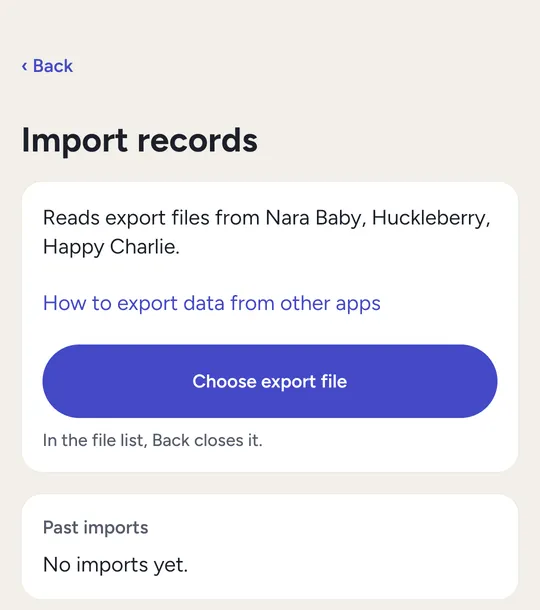
In Happy Charlie: Settings, then Import records.
Export
In your old app, export your baby's data and save the file.
Preview
In Happy Charlie, choose the child and the file. See what will be added and what will be skipped, and why.
Import
Save it. You can remove an import later.
Good to know
- Importing the same app again adds what's new and updates what changed. No duplicates.
- Starting fresh? You can delete a child's records first. A backup is made before anything is deleted.
- Administrators run imports.
What doesn't come over
- Medication doses from another app. You enter those yourself.
- Solid-food records, for now. The preview lists everything it skips.
Keep every night you've logged
Free on iPhone, Android and the web.