
Invite family or a nanny
Share Happy Charlie with a partner, grandparent, or nanny at no cost. An administrator sends a private invitation link; each person signs in with their own account and sees the same records.
- Tap , then your family's name.
- Under Members, tap + Add caregiver.
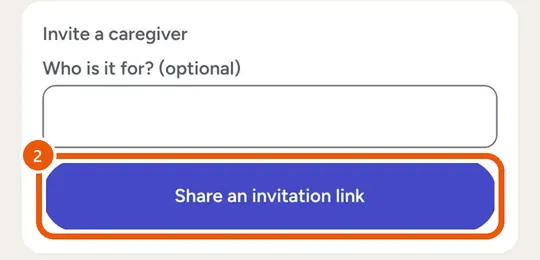
- Tap Share invitation link, and send it by text or email.
- Asked too, right after you create the family.
- Free for everyone.
- One link per person; each works once.
- Revoke an unused link, or Remove a member, in the same list.
- Only administrators can invite.
- On the web tracker, create the link, then copy it.