
Leave, or remove someone
When someone leaves a family in Happy Charlie, or an administrator removes them, their access ends. The baby’s records stay with the family and still show who logged each entry.
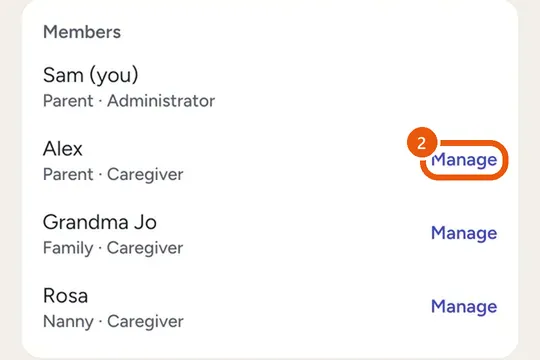
Remove someone
- Open Family.
- Tap Manage beside them.
- Tap Remove from family.
Leave
- Open Family.
- Tap Leave family.
- The baby's records stay with the family.
- Last administrator? Make someone else one first.
- On the web tracker, use Remove beside their name.