
Switch apps
Switching from Nara Baby?
Bring your baby's history. Keep logging with the whole family.
Three steps
One file for each child.
Export from Nara Baby
In Nara Baby: Account, then Family, then your child, then Export Data. Save the file to Drive or Files, or email it to yourself.
Set up Happy Charlie
Install the app, add your child and invite your family.
Import
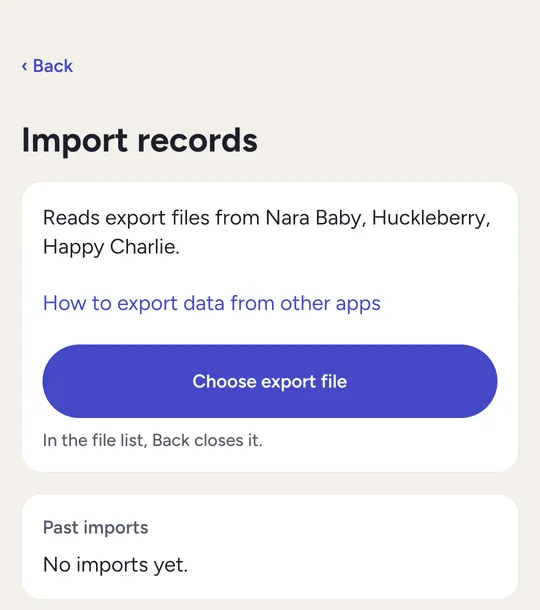
Settings, then your family's name, then Import records. Choose the file, check the preview, then import.
What comes over
- Nursing, with sides
- Bottles
- Pumping
- Sleep
- Diapers
- Growth
- Solids
Good to know
- Medicine doesn't come over. You enter it yourself.
- Anything Happy Charlie doesn't track is skipped, and the preview lists it.
- Import again later and only what's new is added.
- Family Administrators run imports.
What Happy Charlie costs
Every feature is free today: family sharing, full history, voice, import and export. No trial, no card. What's free
Coming from Huckleberry? Switch from Huckleberry · All apps we can read